Fragrance Diffuser
Choose a 30-second or 50-second fragrance interval, or switch the diffuser off.
A fragrance diffuser, white noise machine, galaxy projector, night light, and Bluetooth speaker in one bedside companion.
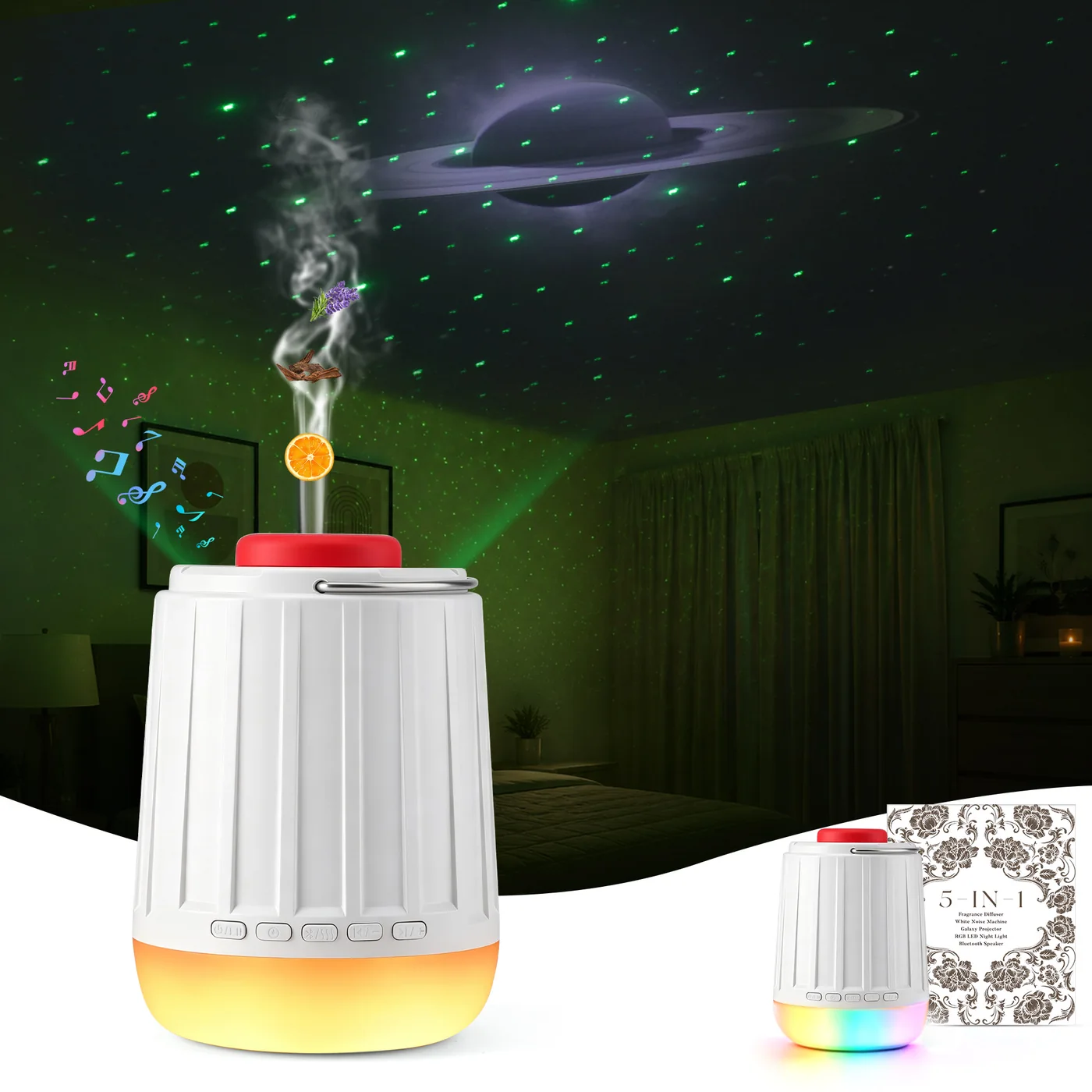
Choose fragrance intervals, audio, projection, and lighting with onboard buttons for your bedside or desk.
Choose a 30-second or 50-second fragrance interval, or switch the diffuser off.
Switch between the three galaxy projection modes named in the manual.
Play or pause audio, change tracks, and adjust the volume with the front buttons.
Cycle through warm-light brightness, breathing light, and RGB running light.
Choose a 30-minute, 1-hour, or 2-hour scheduled-shutdown setting, or cancel the timer.
Turn on Bluetooth and look for “5-in-1 Sleep Hub” in your device's Bluetooth settings.
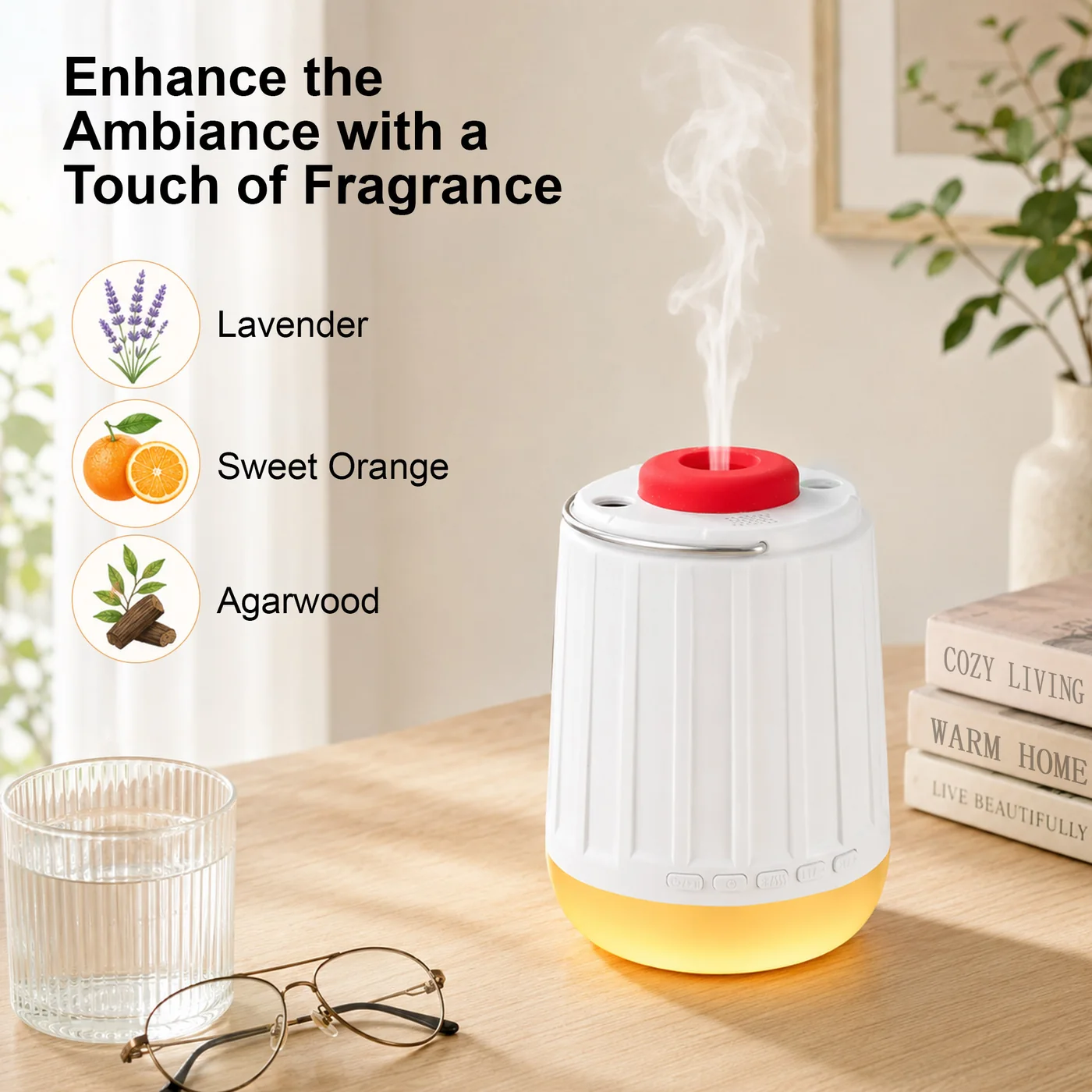
Choose a fragrance cartridge, then use the front Bluetooth & Fragrance button to select a 30-second or 50-second interval, or off.
Press and hold the top button to switch projection modes. The manual labels them Stars, Nebula Cloud, and Stars + Nebula Cloud.
Short press the top button to cycle warm light from lowest to highest brightness, breathing light, and RGB running light.
Choose your audio and adjust the volume with short presses of the minus or plus button.
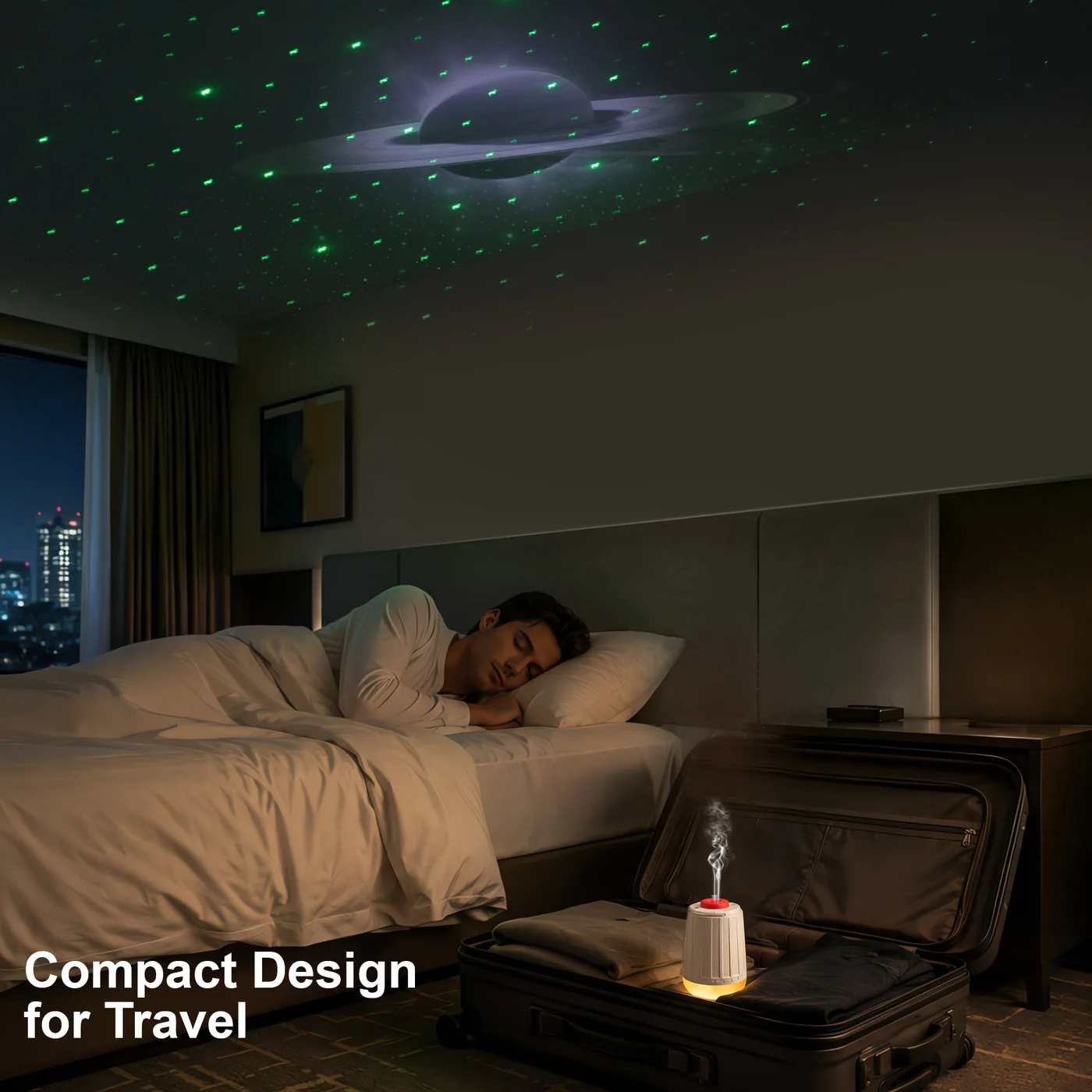
Choose audio, fragrance intervals, and lighting with the same onboard controls.
Open the red silicone lid to remove the used cartridge, then fit the replacement with its metal contacts facing down.
The Sleep Hub has a 5,000 mAh battery. CHICWAY states about 6–8 hours for a full charge with a standard USB-C cable and a standard, non-fast-charging adapter.
CHICWAY describes the fragrance as pure plant extracts. Keep fragrance off around infants. Adults with fragrance allergies or respiratory conditions should not use the fragrance function.
CHICWAY offers free returns or exchanges within 30 days. Select Contact Us in the top navigation and complete the support form to contact us.
Contact UsCharging, battery capacity, fragrance precautions and support information confirmed by CHICWAY on October 27, 2026.
Watch the front and top buttons, lighting and projection, and Bluetooth audio in use. For written button actions and pairing steps, see the Sleep Hub controls guide.
The front and top buttons use short presses and press-and-hold actions for audio, timer, Bluetooth, fragrance, projection, and lighting.
Read the Sleep Hub controls and fragrance cartridge guide for detailed steps and indicator meanings.
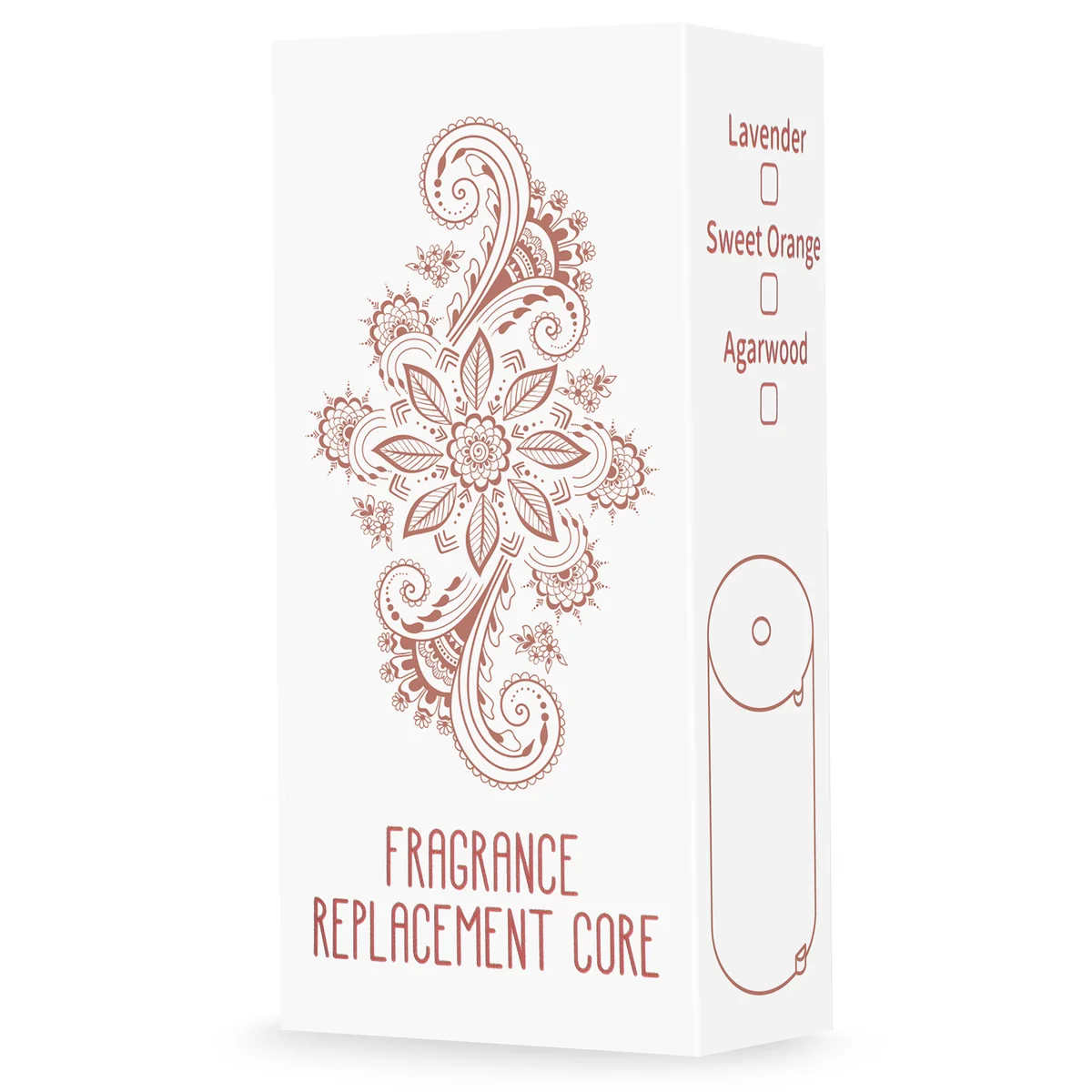 Fragrance Replacement Cartridge